

Online Rideshare Inspections, Car Repairs & Diagnostics by Certified Mechanics
Real mechanic help - fast, instant & virtual
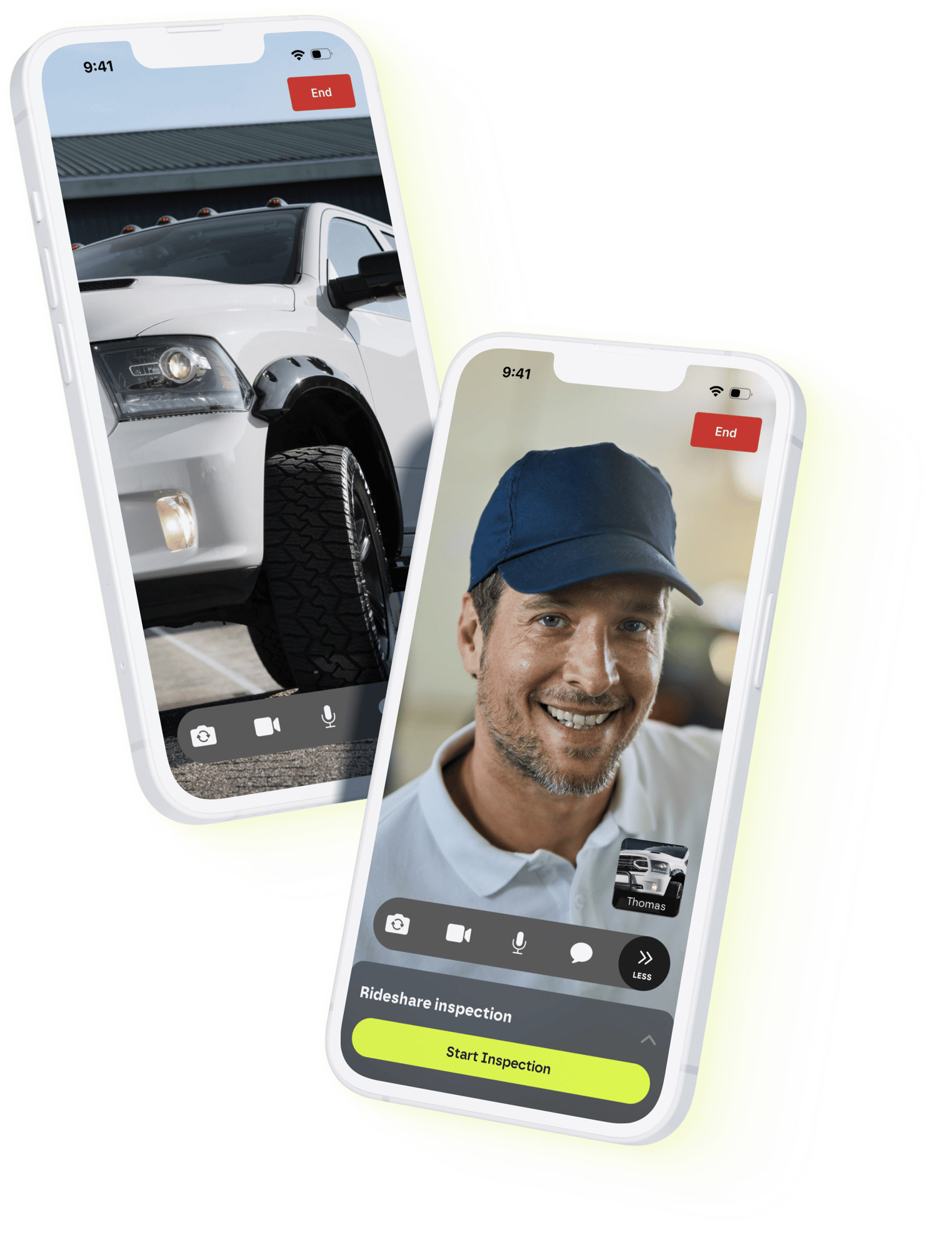

Online Rideshare Inspections, Car Repairs & Diagnostics by Certified Mechanics
Online Rideshare Inspections, Car Repairs & Diagnostics by Certified Mechanics




What do you need help with?
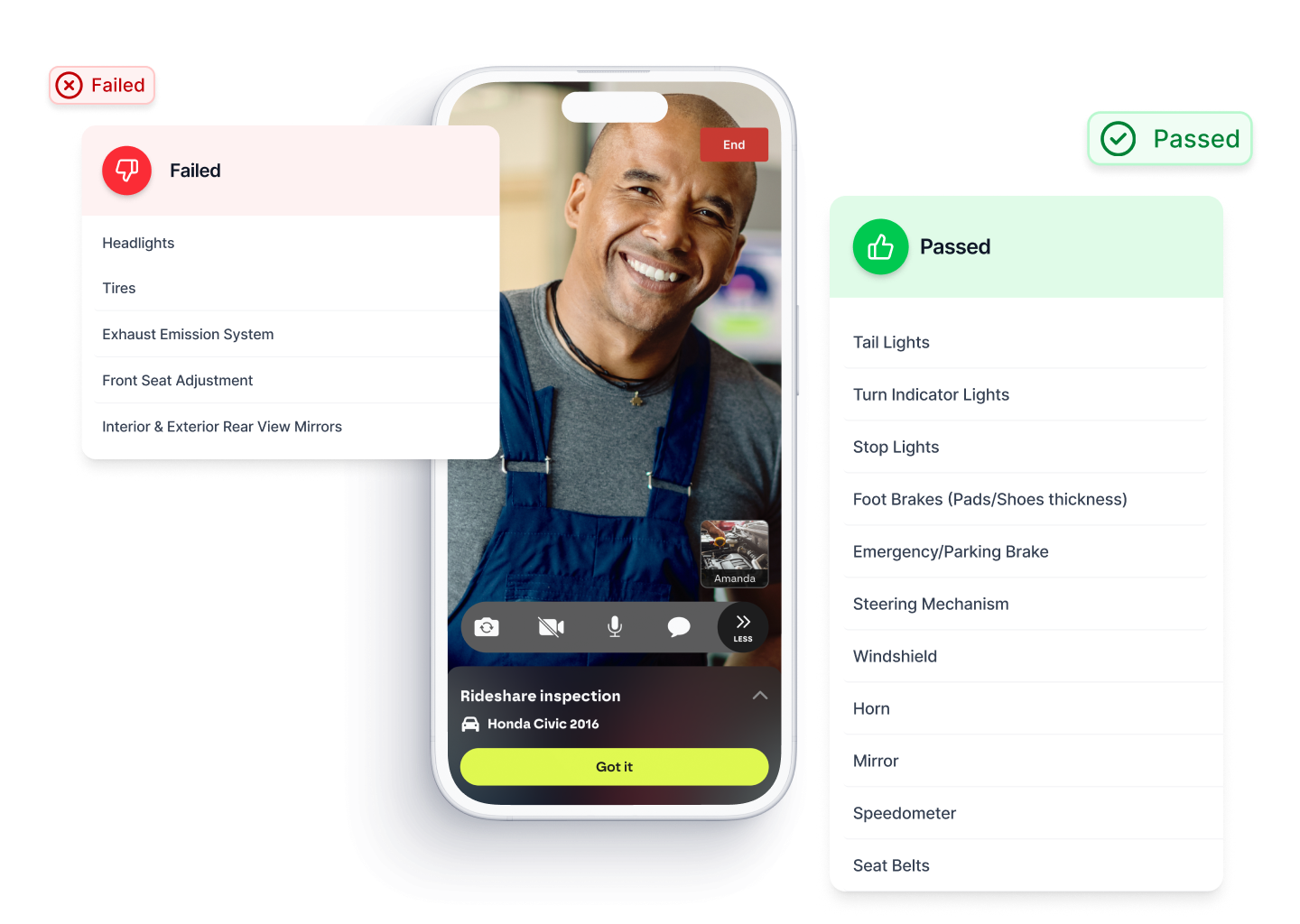
Rideshare Inspections in 15 mins
-
Fast, virtual ride share inspection for Uber, Lyft, & Turo
-
Complete your inspection online in less than 15 min.
-
100% virtual with free retries - save time, money & gas
-
Get your approved Uber inspection form, Lyft inspection form or Turo inspection form same day in-app

Uber
Toggle long content for a clearner UX

Lyft
Toggle long content for a clearner UX

Turo
Toggle long content for a clearner UX
Online mechanic help on parts, repairs, and issues
-
Get instant online car help from certified experts - no shop visit needed
-
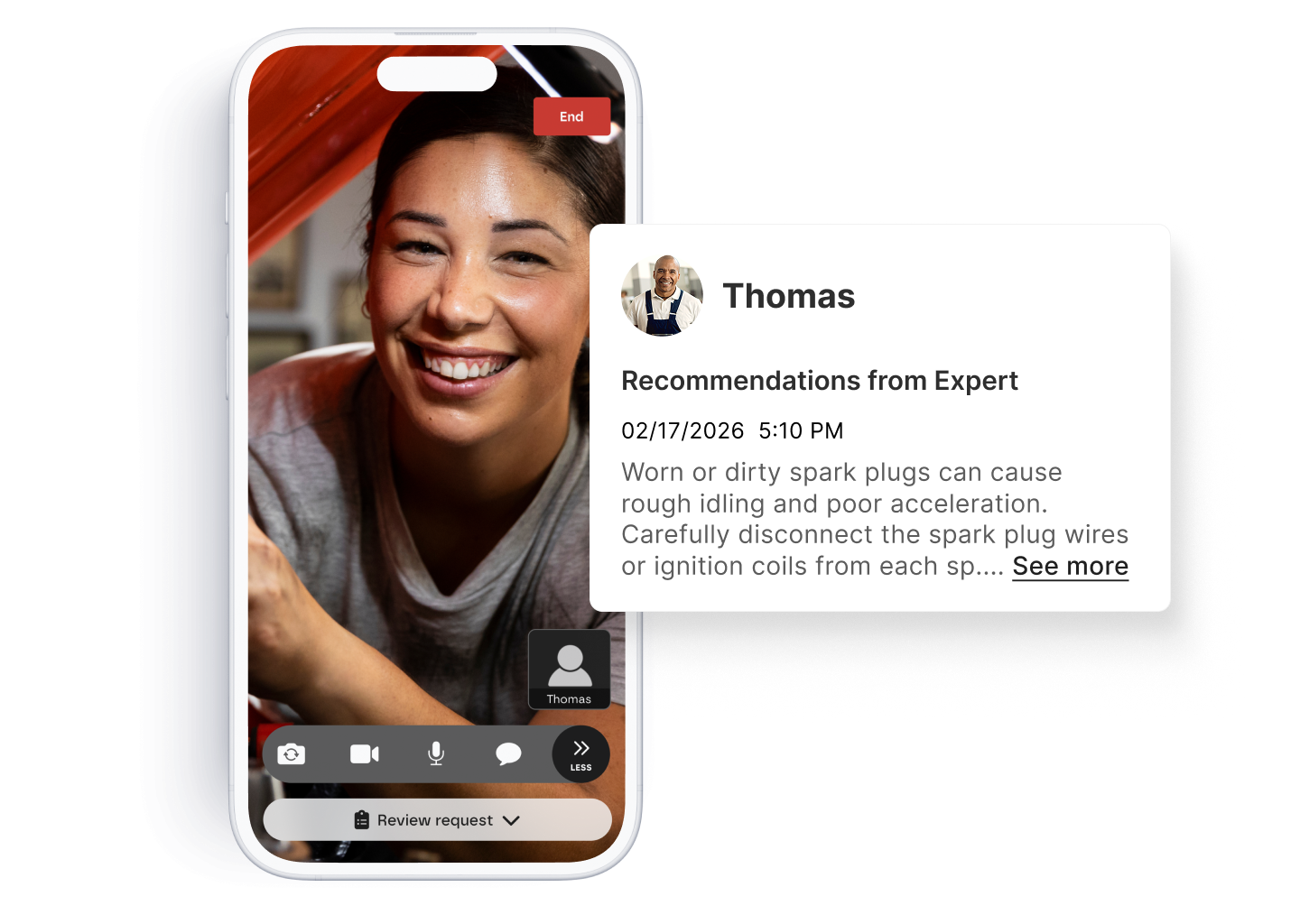
Ask a mechanic for DIY repair tips & live video guidance
-
Perfect for DIY auto repair and online mechanic help
-
Trusted mobile mechanic near you for things like engine noises, warning lights, and transmission issues
client satisfaction
99% of clients would recommend us
client satisfaction
99% of clients would recommend us
client satisfaction
99% of clients would recommend us
What to love about Tinker?
1-to-1 video Call with a Mechanic
Ask a mechanic for DIY car repair, diagnostic & guidance
Save time
Complete your ride share inspection in less than 15 minutes - 100% virtual
"The experts were helpful in making sure that I had the right tools. I also asked for feedback on future DIY projects, which really helped me prepare."
"I kinda fell in love with the concept. Like, WOW I can help people work on cars from home over the phone!"
"At first I was really nervous... but they (Experts) are all really friendly. It feels like they do this all the time, which makes me comfortable, too.”
Start your first call today
Scan the QR code to download the Tinker app on your iOS or Android device

Your Questions, Answered
I’m having car problems; how can I get help?
Which forms of payments do you accept?
What services do you support?
Vehicle Issues
- Understand what needs fixing without visiting a shop
- Diagnose warning lights, performance issues, or hidden mechanical problems
- Save money with DIY repair guidance from our experts
- Spend less time on vehicle issues, more on things you love!
Inspections
- Remote Uber, Lyft and Turo Vehicle inspection via video chat
- Start your inspection anytime, anywhere—no appointment required
- Upfront and transparent pricing
• • Complete your car inspection from your phone in minutes!
When do my calls expire?
Call tokens will expire after 365 days after purchasing
How do I reconnect with an Expert from a previous call?
- Open the Tinker app and tap on the “Activity” tab.
- You will see a list of all the Experts you’ve previously spoken with.
- Select the call you want to review.
- On the call details screen, you will see the name of the Expert and a “Reconnect” button at the bottom of the screen.
Oops! My call dropped! How do I rejoin?
Which Android version do I need?
We currently have optimized the experience for the following devices:
- Samsung
- Pixel
How do I contact support?
For vehicle issues, please use the TinkerDIY app to connect with an Expert mechanic.
For all other inquiries, you can reach us at support@tinkerdiy.com.

Join Our Team of Auto Experts
Tinker offers online mechanic jobs that let you work from anywhere as a mobile auto technician — all through our platform.
Interested in a Business Partnership?
Be the first to know
Get in the loop with Tinker! Sign up and stay in the know to be the first to check out awesome car content, get the latest Tinker news, and snag exclusive promotions.